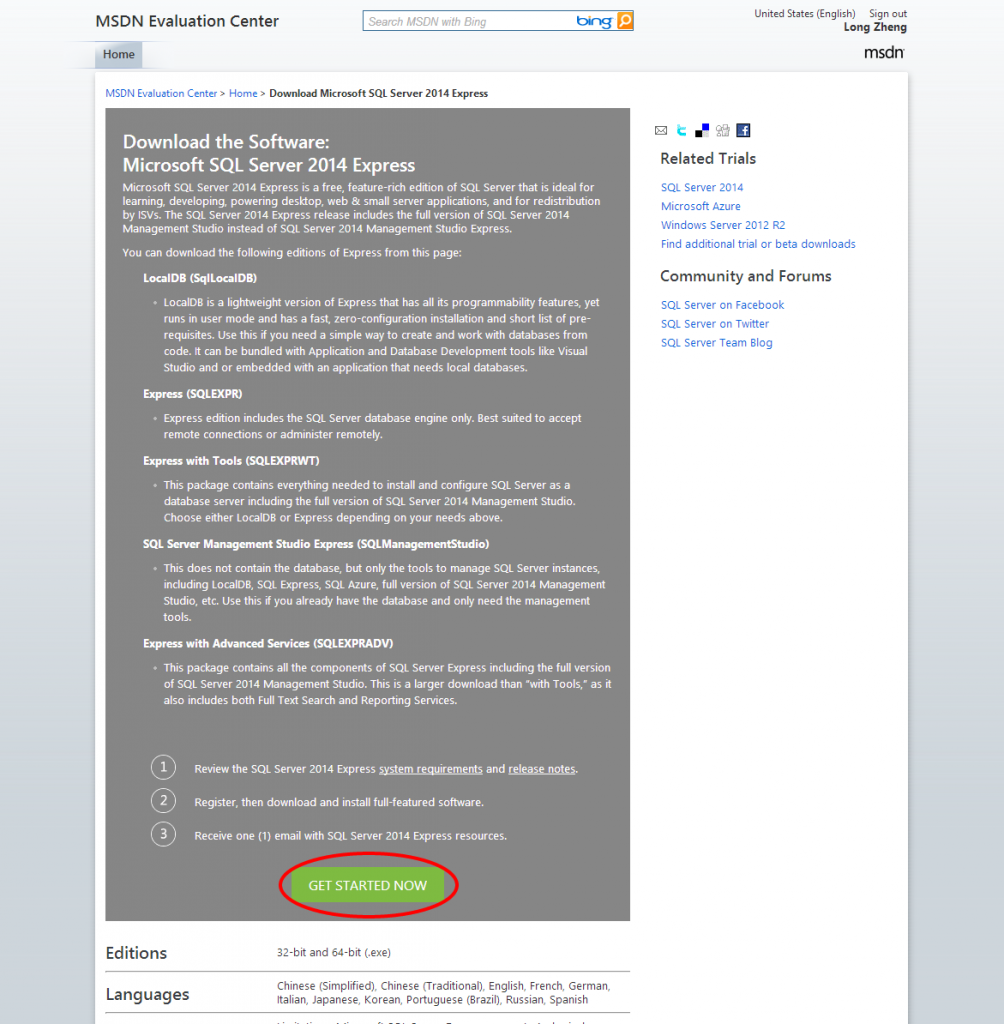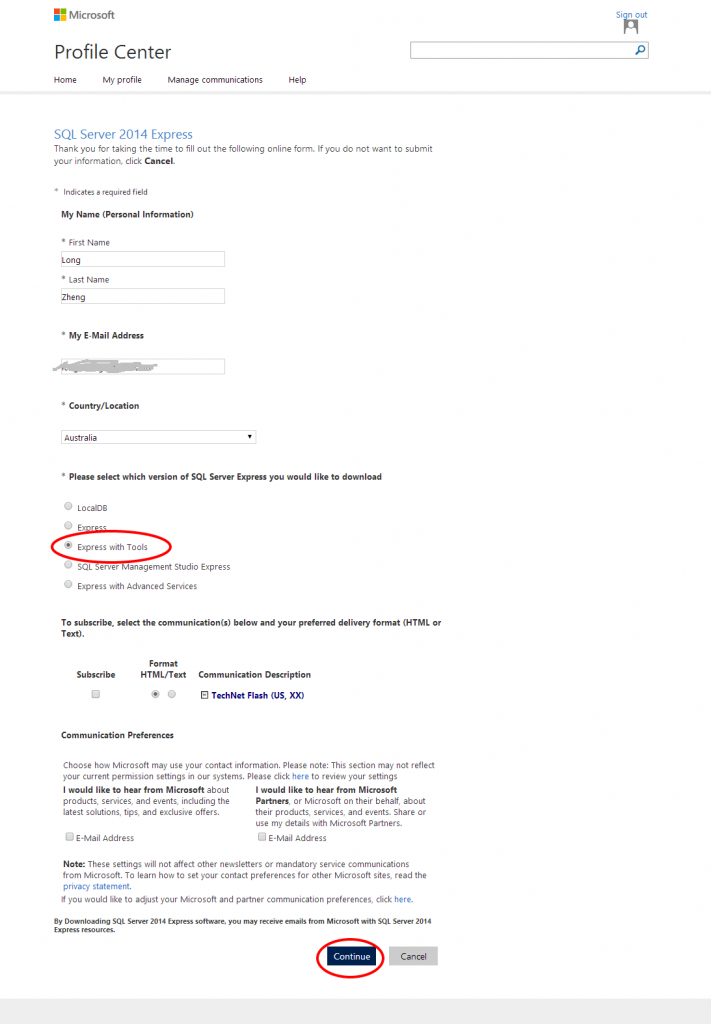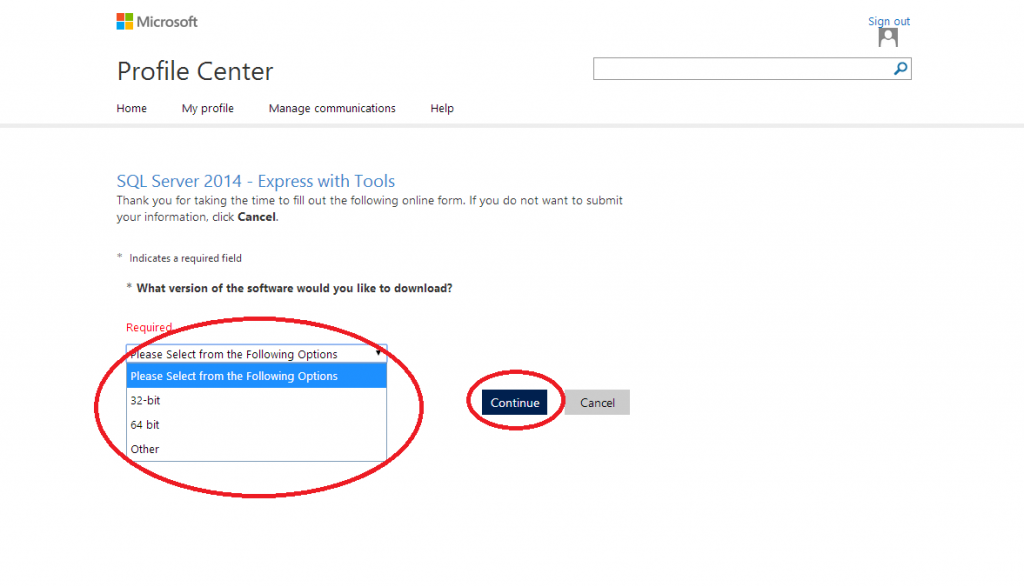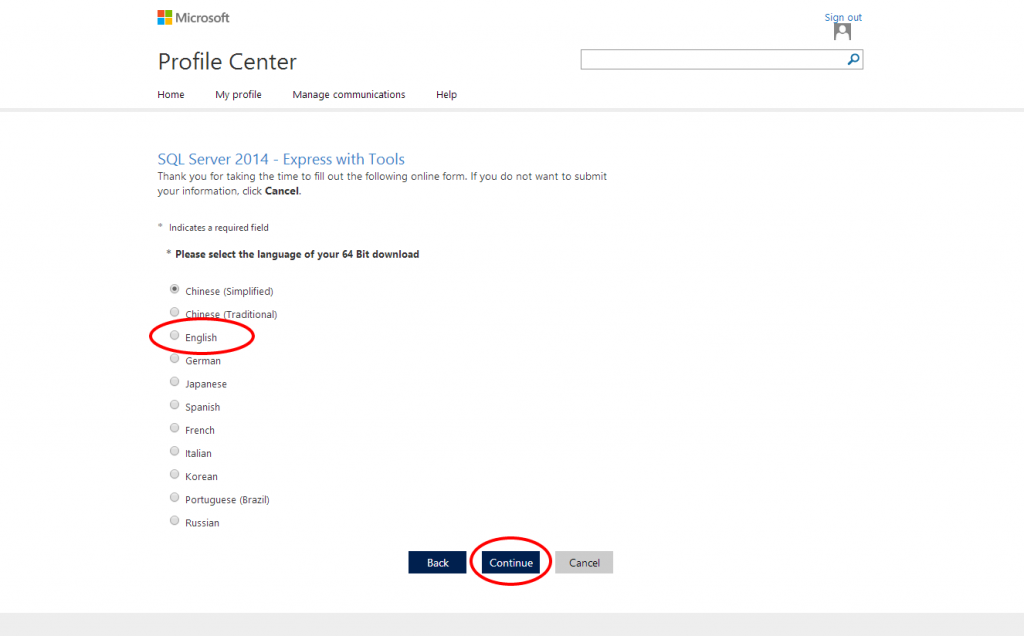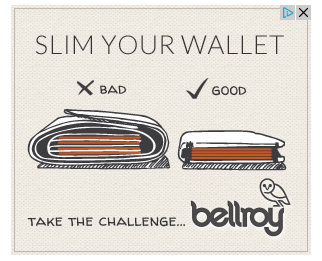
A little owl banner ad has been stalking me around the web challenging me to slim my wallet. Their ad targeting is incredible since my wallet is indeed uncomfortably bulgy so I was eager to find out exactly how much a difference just a wallet can make.
The people behind the ad is an Australian company called Bellroy. These guys pride themselves on creating slim wallets and even own slimyourwallet.com. The idea is simple, their wallet is specially designed to stack cards using less room than other wallets.
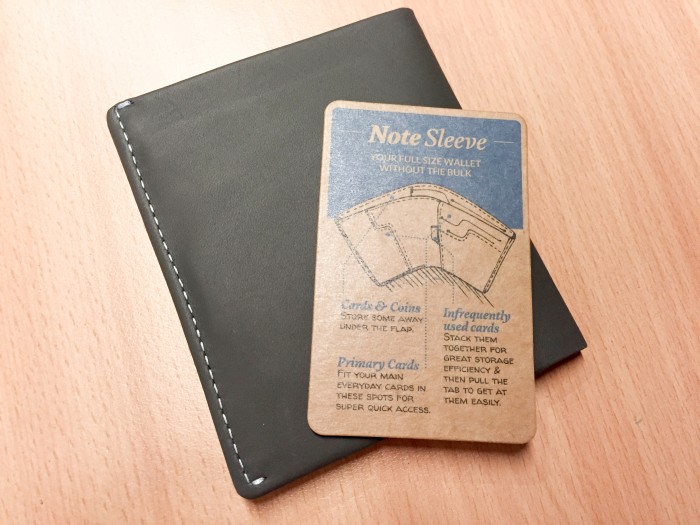
Bellroy doesn’t believe in the one-size-fits-all strategy. Their range of six wallets is split between folded bills and flat bills, combined with a range of card-fitting capacities.
I opted for the Note Sleeve (above) which claims to fit flat bills, coins as well as 4-11+ cards.
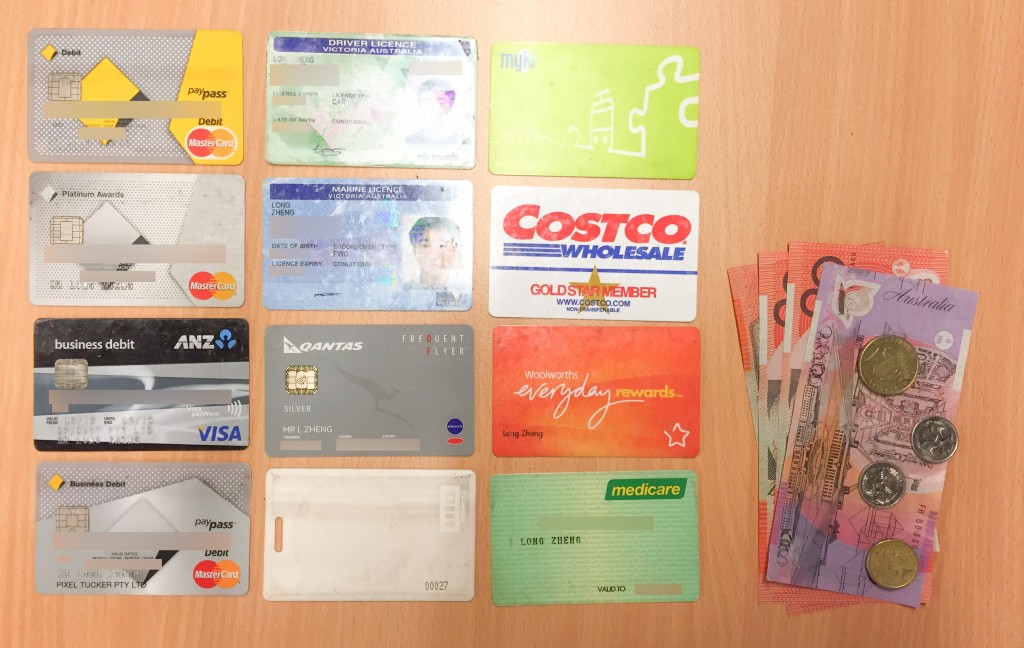
To start my experiment, this is what I carried when I made the switch. 12 cards. Cash and coins. (I must admit I carry more cards than I should. Bring on Apple Pay.)
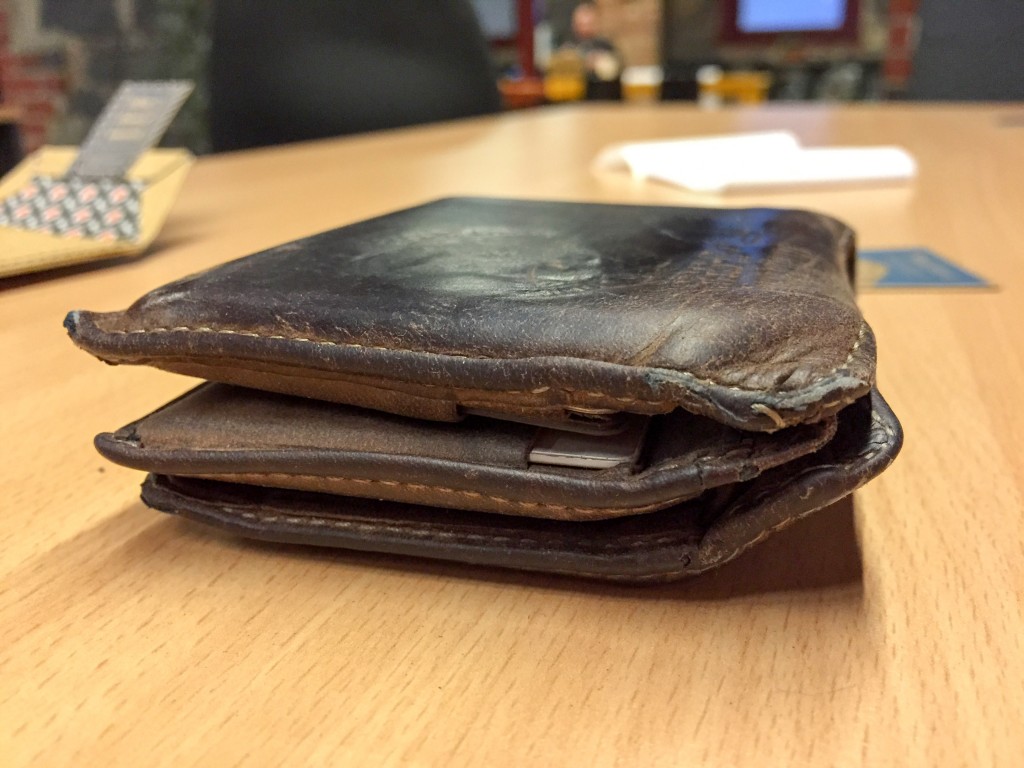
And this is how all those things fit in my previous standard leather wallet. Although the leather and stitches have lasted about 6 years, it was certainly bulgy and uncomfortable in tighter skinny jeans. Definitely function over form.
On to the Bellroy.
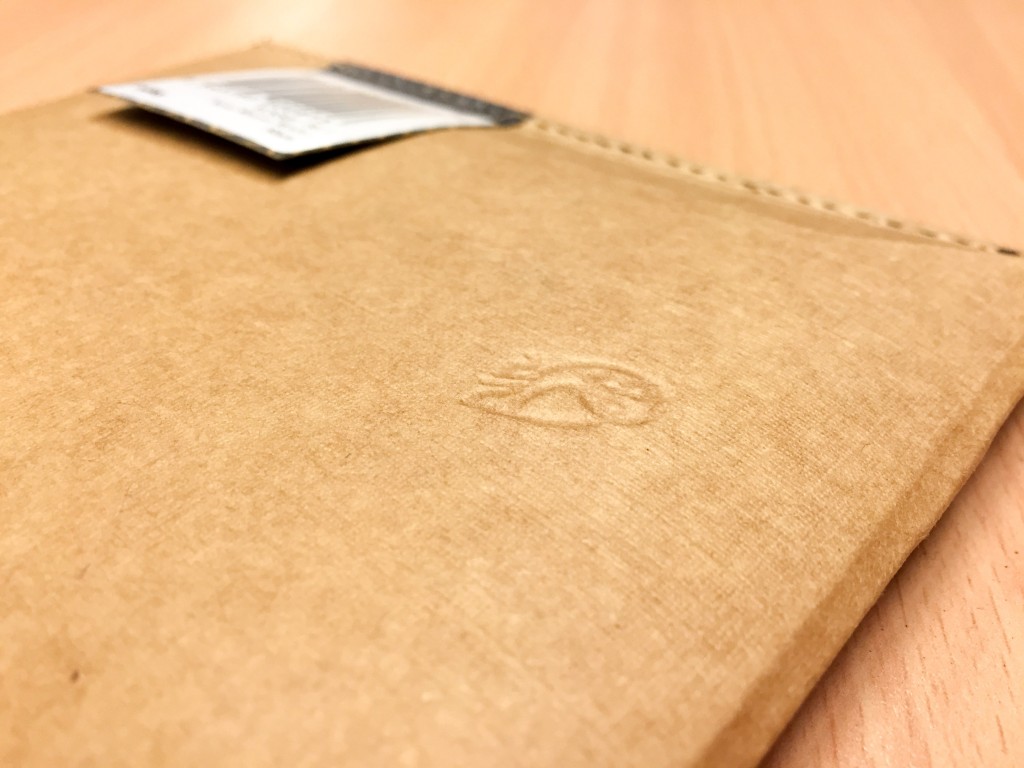

From the first impression of an embossed owl on the cardboard packaging, it’s clear this is a company that takes its materials and craftsmanship very seriously.
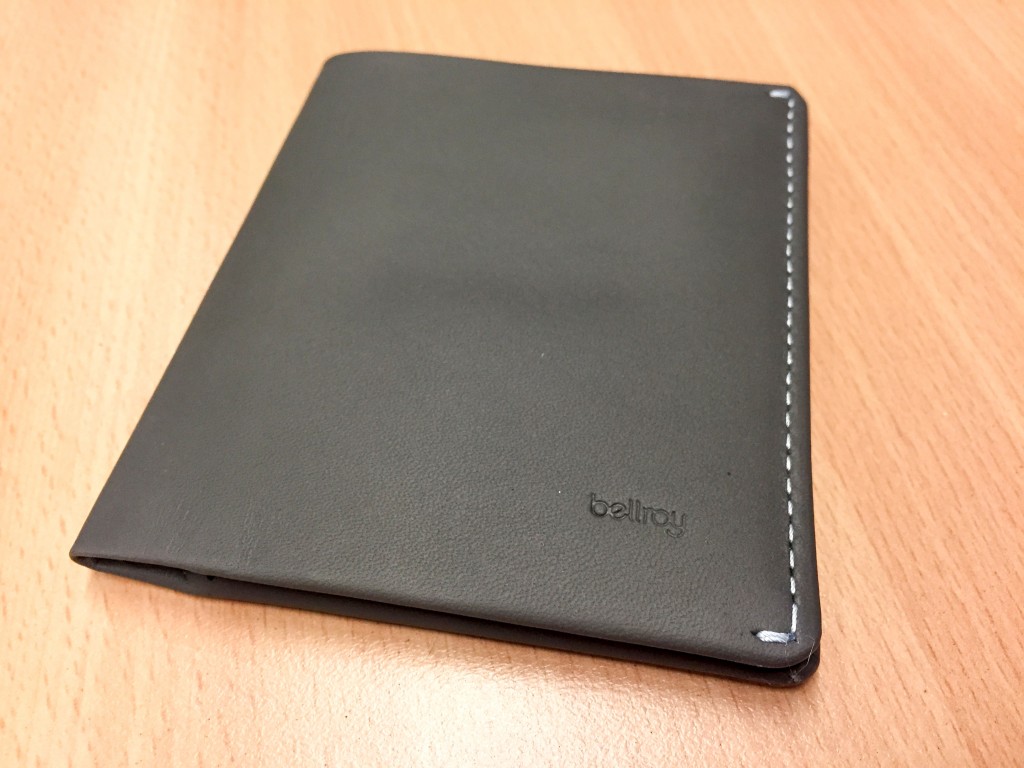
The wallet from the outside is modestly clean with only a small emboss of the logo. The silver stitching stands out quite well on this slate-colored leather. Oh and it also has that nice real leather smell.
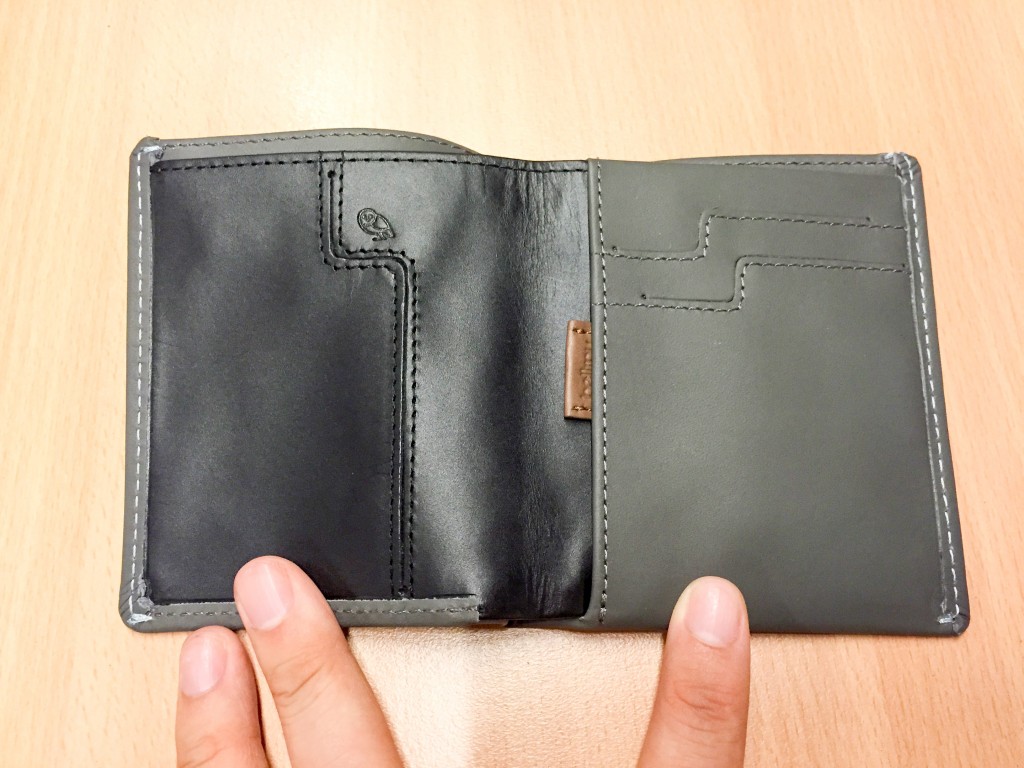
Splitting open the inside reveals a primary card slot on the left, two primary card slots on the right and the pouch for all infrequently used cards. (More on the little tab later)
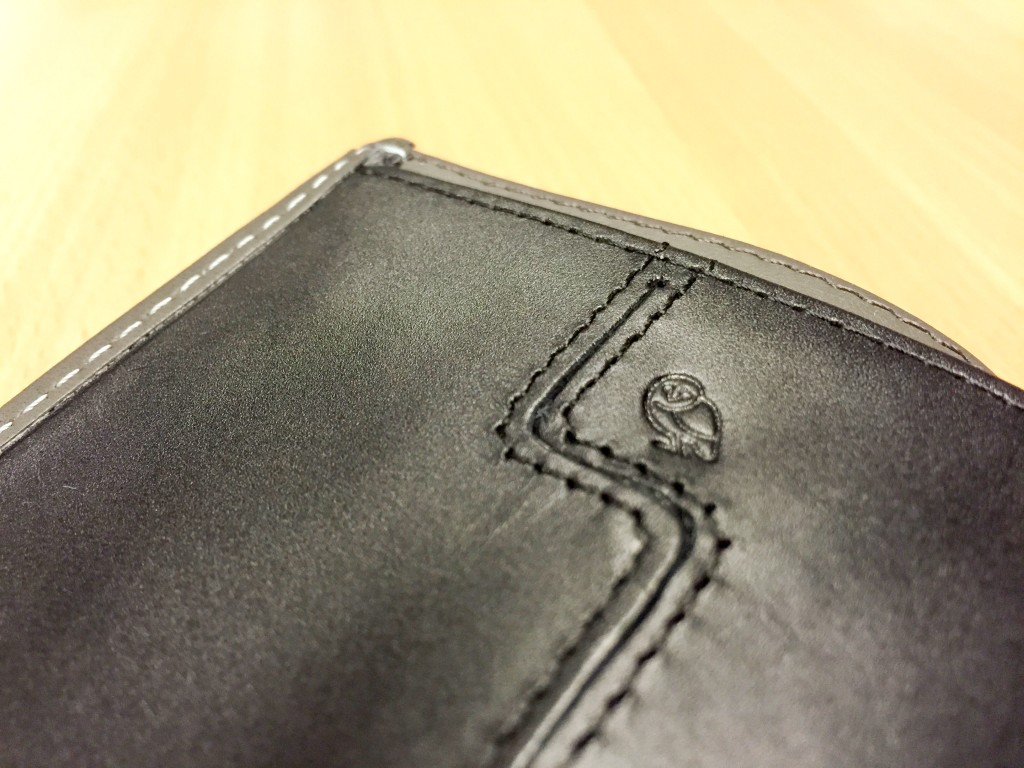
More fine stitching and a little owl.
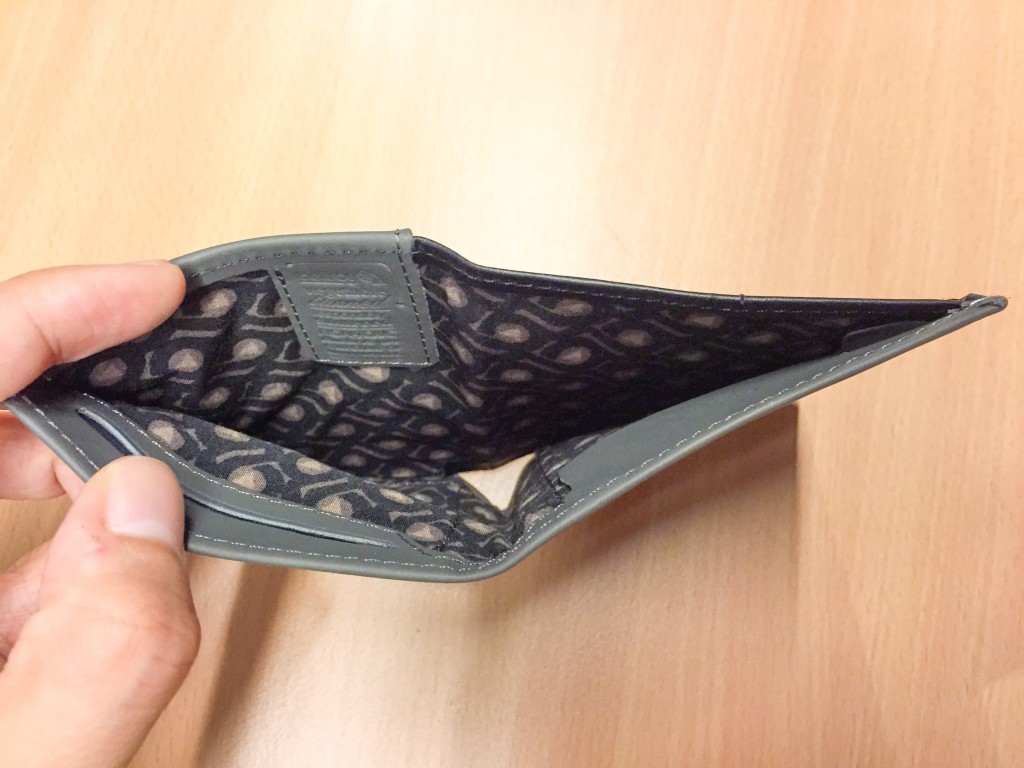
Since this wallet fits flat bills, there’s plenty of room for bills of most Western currencies. There’s two little pouches at the bottom, one with a flap (right) and one without. Both fit coins but I’ve found the one without the flap easier to access.
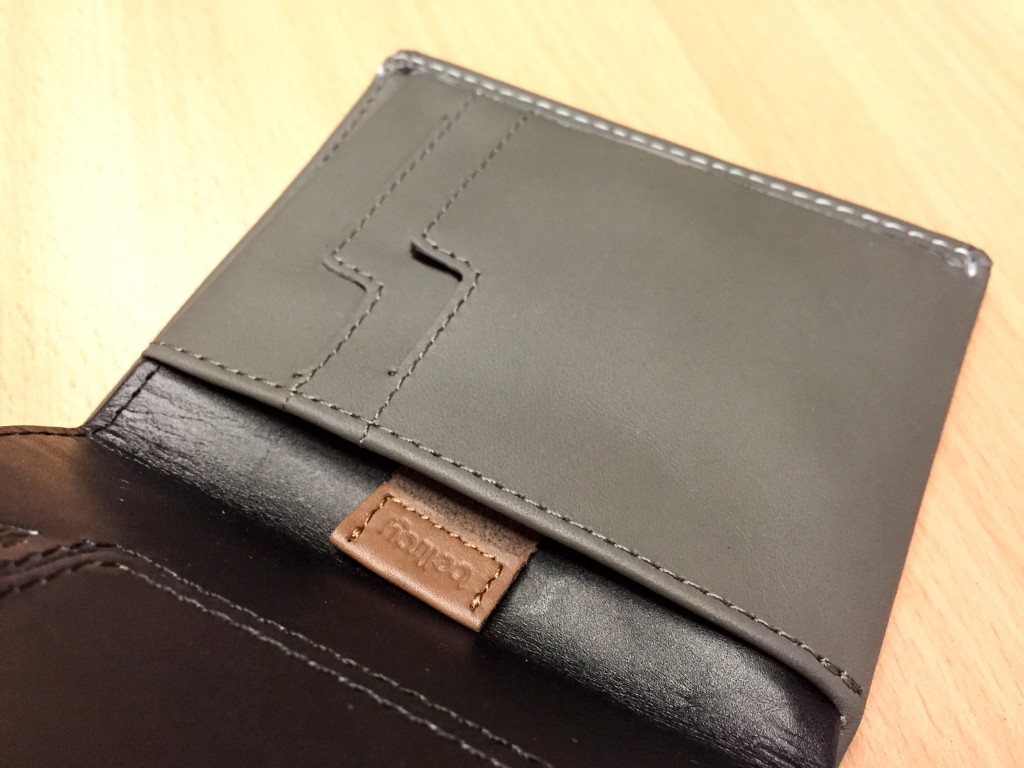
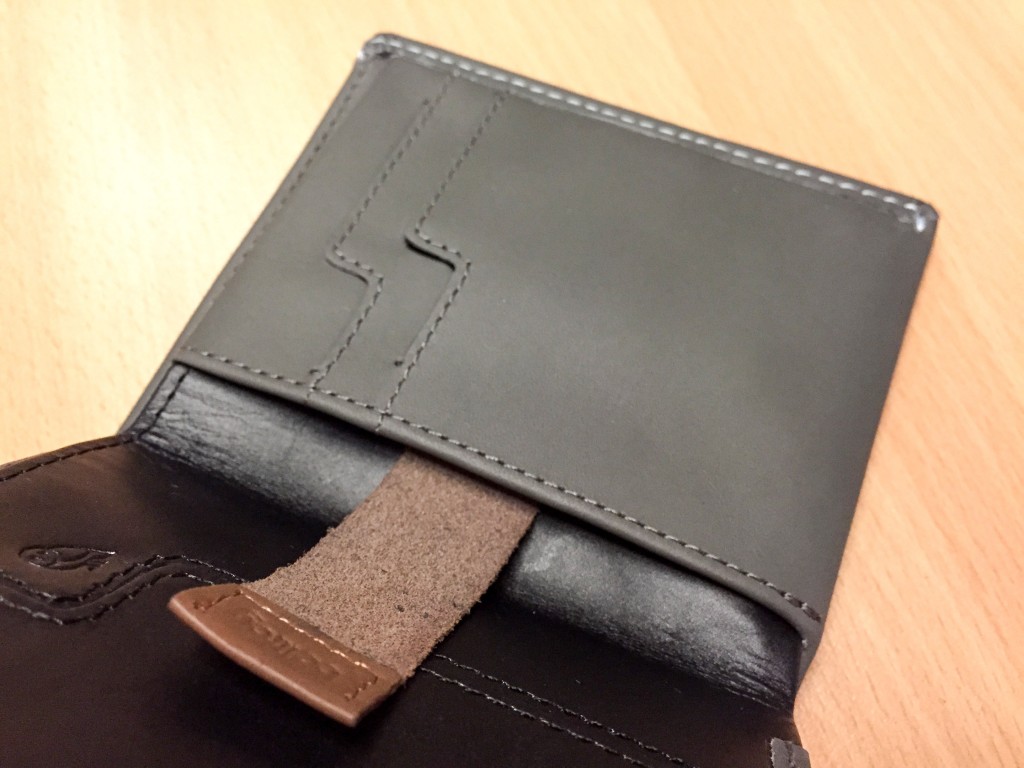
The little tab is Bellroy’s secret sauce for fitting lots of cards in a stack but making it still (relatively) easy to access. This means you can push in a stack of 6 cards deep into the pouch, and the tab allows you to easily slide out all of the cards for picking.
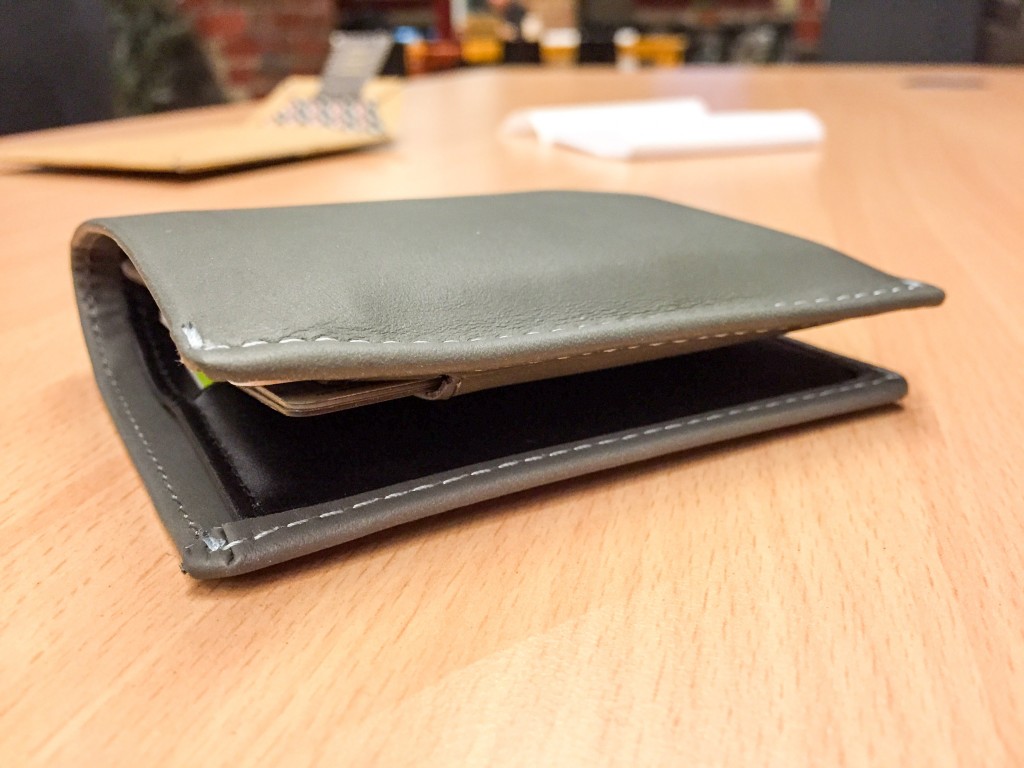
And this is what it looks like after I’ve put in all my cards.
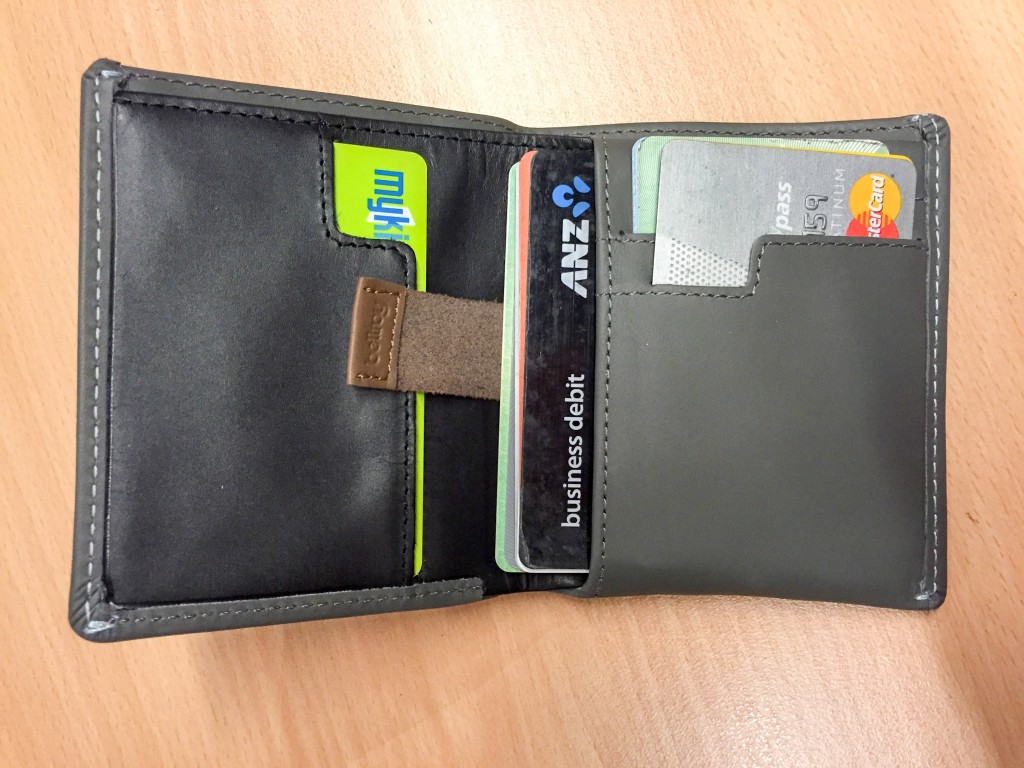
I put 2 cards in each of the three slots and 6 cards in the pouch. (Side note, I have different NFC cards in each side so I can scan my card by just opening it on one side. Of course it won’t work closed since multiple cards will interfere with each other.)
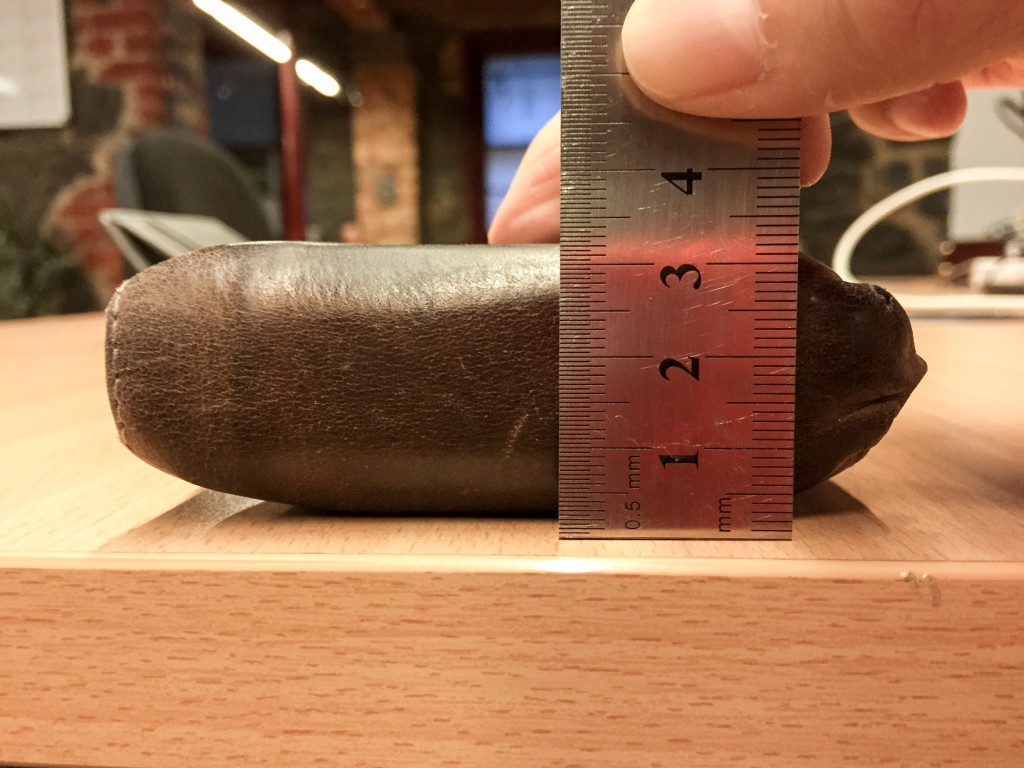
My old wallet measured around 3.2cm from the thickest side.
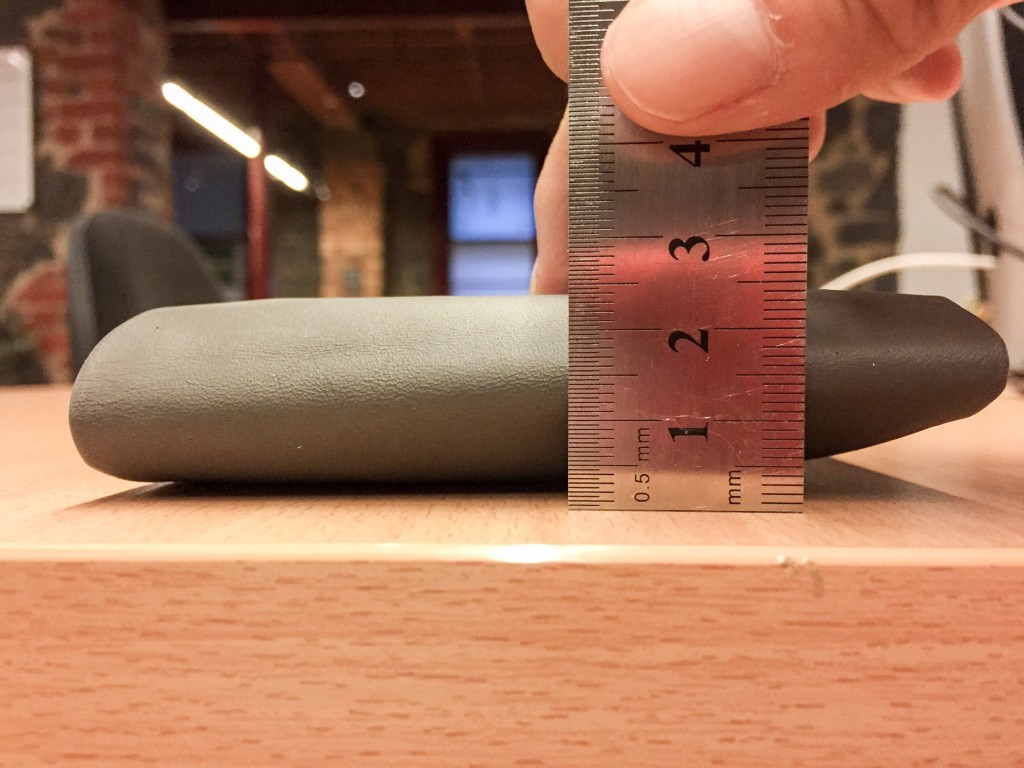
And the Bellroy measures 2.4cm from the thickest side. A saving of 0.8cm which equals to a 25% reduction over the original! Not bad for changing only just a wallet.
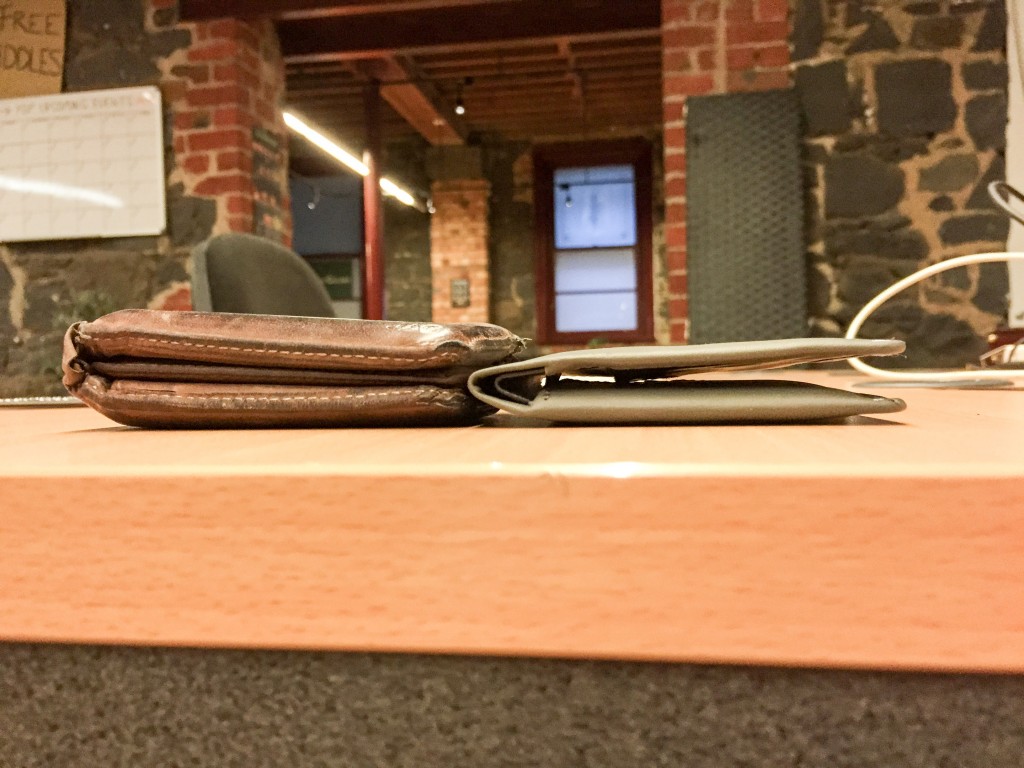
To get a better sense of where the savings come from, this picture of the two empty wallets side by side gives you a good idea just how thinly crafted the Bellroy Note Sleeve is.
What’s not picture is also how light it feels. Since there’s only minimal layers of leather, the wallet feels considerably lighter in the pocket as well.
I also found getting the wallet into my pockets was much easier. I believe this is because the edges are tightly threaded forming a thin hard flap which helps the wallet slide into pockets like a hot knife through butter.
In conclusion, I’m convinced Bellroy’s slim wallets work. And it’s not just me who’s convinced – when I asked people on Twitter for wallet recommendations, there was an overwhelming praise for Bellroy wallets that’s hard to dispute. At A$89.95, the Note Sleeve is a wallet worth investing in.
Disclosure: Bellroy provided the wallet at no cost for the purpose of this review.