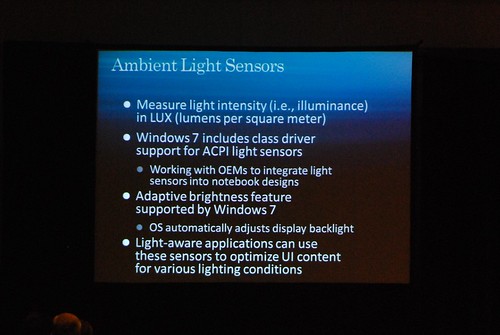
Once in a while, we all leave our lairs to use the laptop in alien environments commonly known as the “outdoors”. One of the forces of evil we face outdoors is of course the sun who wrecks havoc on our fragile LCD displays.
One of the new subsystems Windows 7 adds are sensors, creatively called “Windows Sensors”. Through this, Windows 7 will add native support for light sensors where it can help optimize the user experience based on the amount of ambient light in both the operating system and third-party applications.
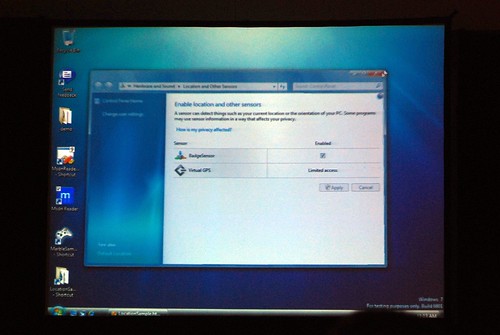
The cornerstone of this new subsystem is native support for ambient light sensors (ALS) through a generic class driver. Many laptops today already ship with ALS, for example the new Dell Latitude E-series, however all of them require a manufacturer-specific driver. The new class driver in Windows 7 will enable OEMs to just connect the ALS and not worry about drivers.
At the most basic level, Windows 7 has the “adaptive brightness” feature built into the operating system. Whereas Dell ships its own application today for Vista, Windows 7 can automatically control the brightness of the screen backlight based on the available ambient brightness detected.
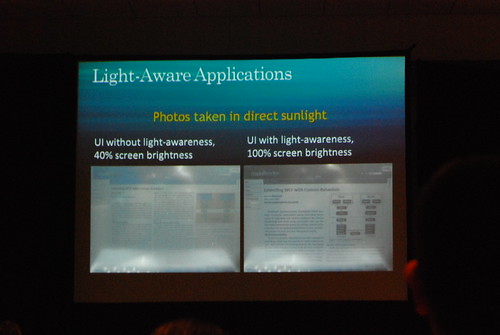
Where this reaches a whole new level is building “light aware applications”. Imagine an application interface that changes based on how bright or dark the environment is, making it easier to read and use. Microsoft recently published a whitepaper “Implementing Light-Aware UI by Using the Windows Sensor and Location Platform” which explains a few methods developers can make their applications light-aware.
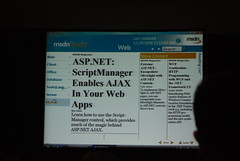
One way applications can become more usable under extreme light is via scaling. By enlarging text and the user interface, content can be more legible and interactable without users having to squint to see through the glare.
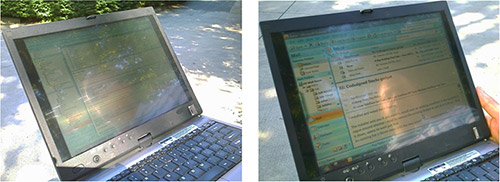
An example of this in practice is Outlook scaled up when under sunlight. This of course is not an accurate comparison as the the display brightness is maximized in the right photo.
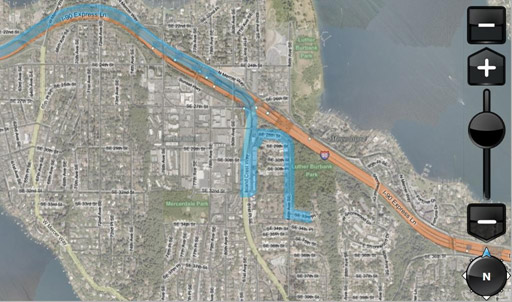
The other way applications can adapt is changing color. Above is the default color scheme for this mapping application.
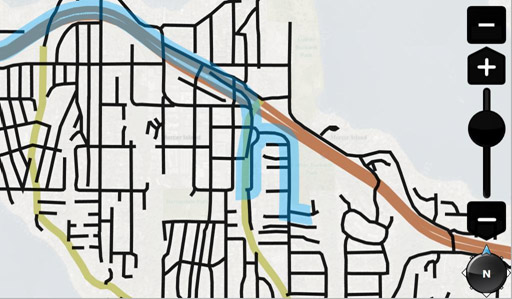
Under direct sunlight, the application could change its user-interface to minimize detail and use only heavy contrasted colors so it can be easily differentiated.
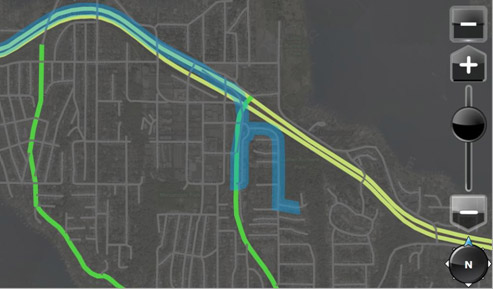
On the other hand if the user is in a dark environment at night, then the application can adjust its interface not to blind the user with a second sun.
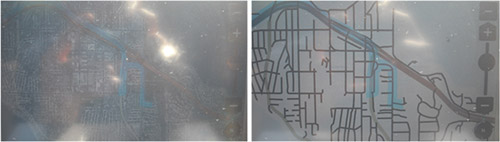
In practice, this is what the map looks light in a real world direct sunlight environment without and with the color optimizations. Pretty effective heh.
I really like that. Very nice.
This would be even cooler on Windows Mobile; phones are a pain to use when the backlight has to be adjusted constantly to deal with lighting and battery concerns.
@ Yert: I sure hope the Windows Mobile 7 team is hard at work… 😛
Now only if MS adds home automation features to Windows 7.
This is a great article, thank you very much for taking the time to post it. I also have a high interest in lighting, and made a blog devoted to it.