Microsoft’s Windows Vista Shell team has listened. After many complaints about the black maximized border effect in Windows Vista’s AERO within many enthusiast communities, User Experience Fit & Finish manager Dave Vronay has responded to their feedback and has made a last minute decision to modify the effect.
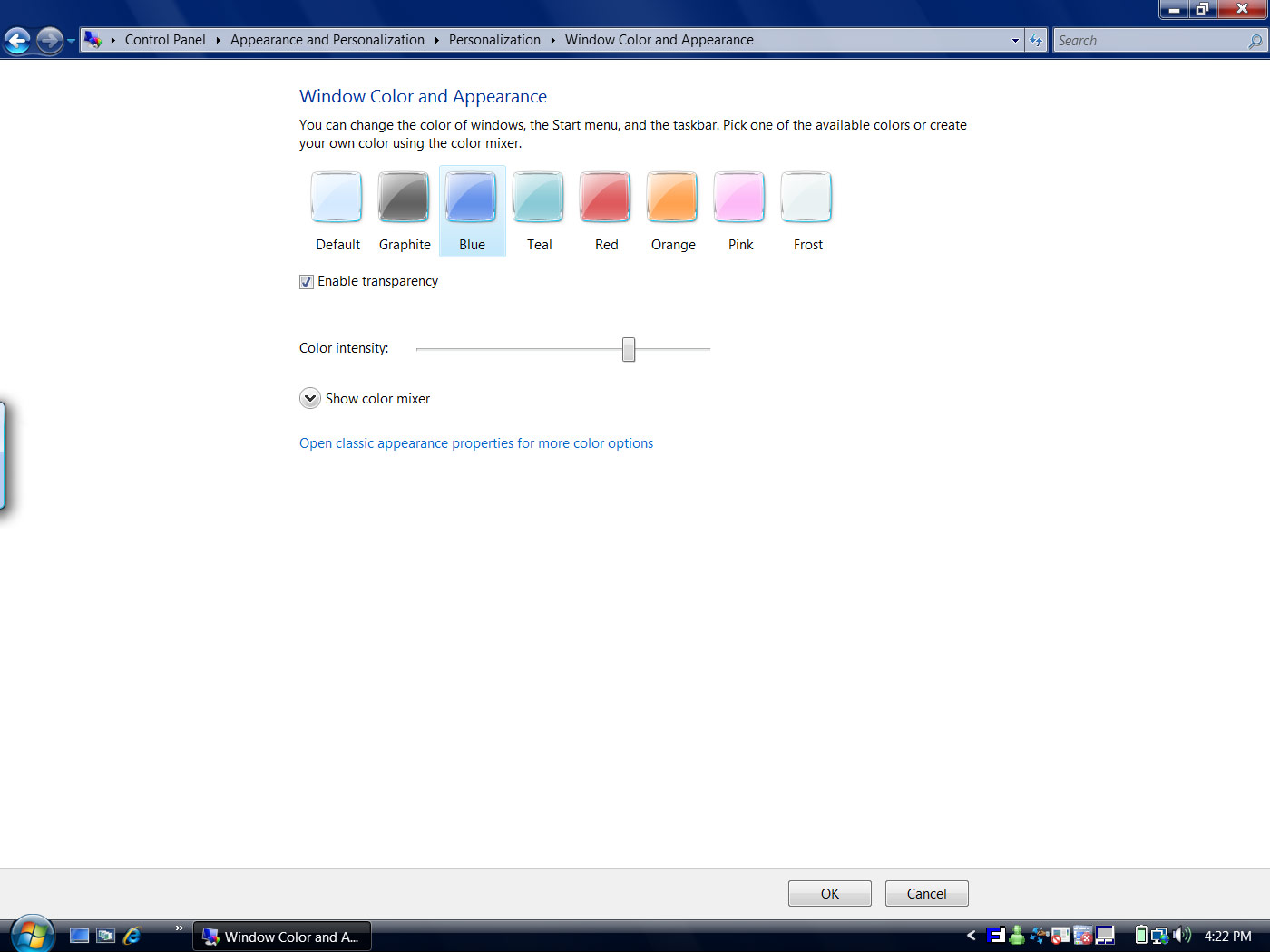
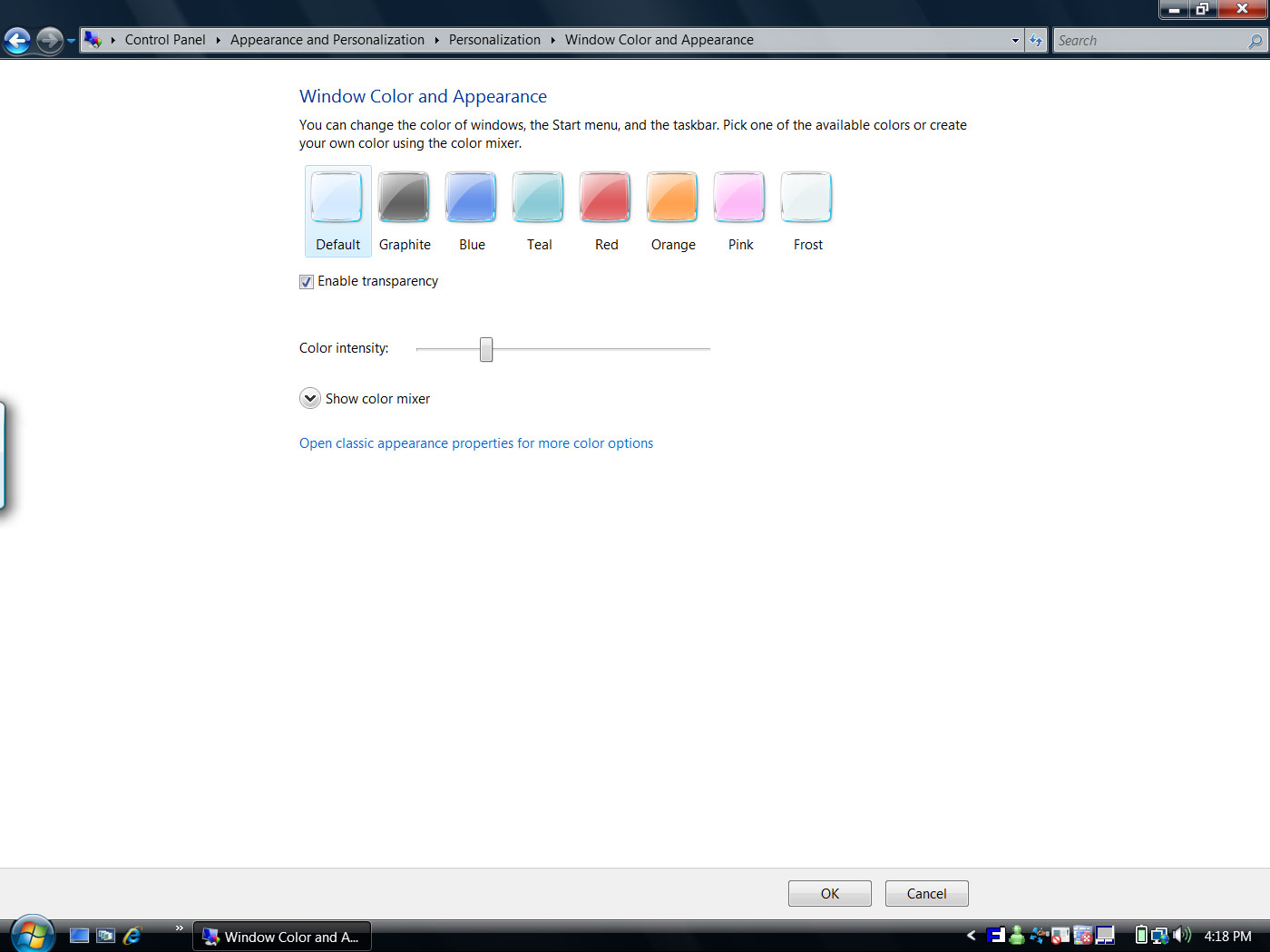
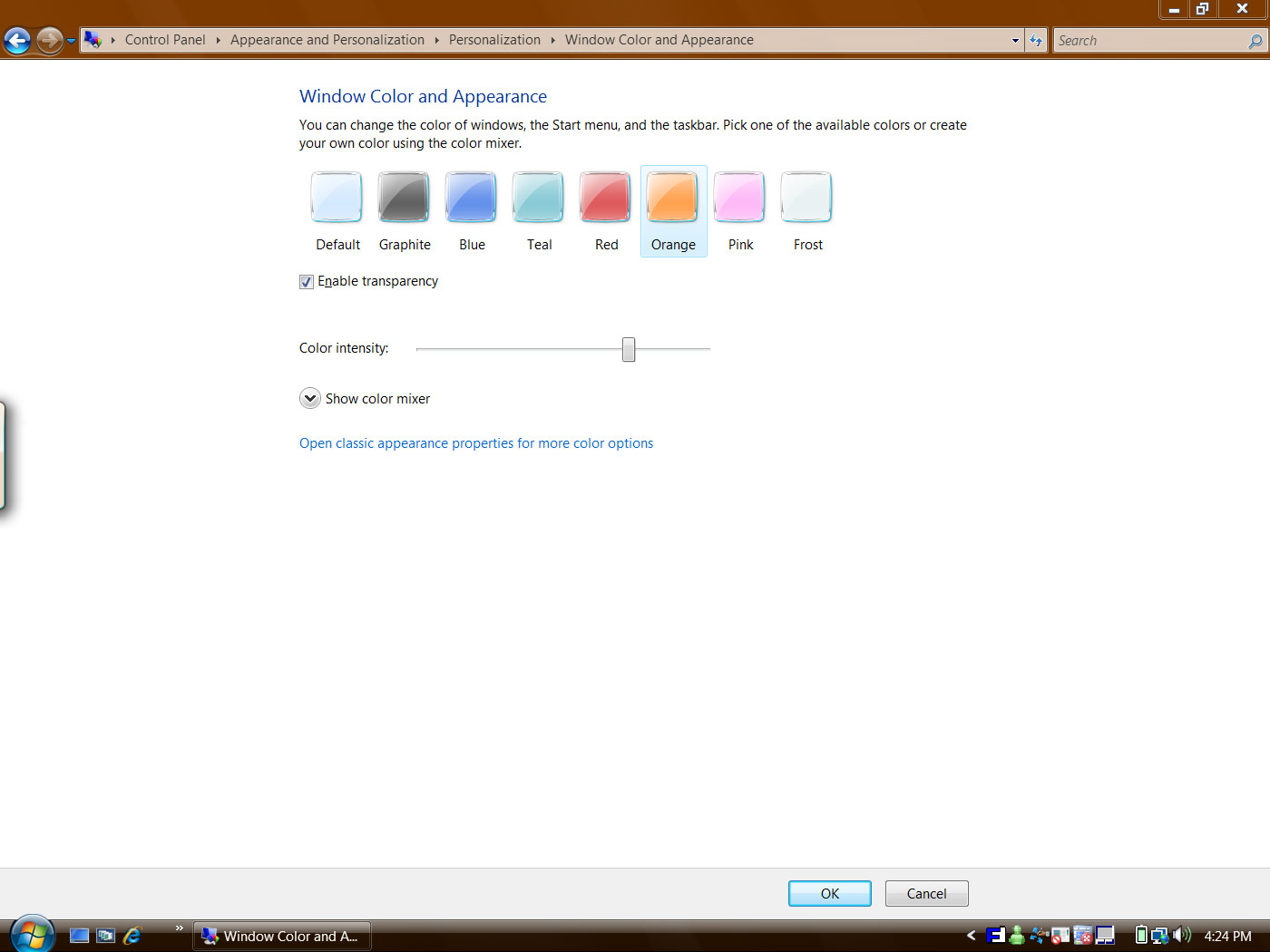
He has also shared these screenshots of the new maximized window effect. I have had mixed feelings about the black border, and I still have mixed feelings about this, but I think it is certainly an improvement. I think the intention to create a seamless border with the monitor’s overscan black borders was all well and good, but after 10 years of using border-framed applications, having an application look so exposed can be weird.
Dave Vronay also posted a complete compilation of the color variations of bordered glass.
wow Long Zheng this is a true exclusive! thanks a lot for the screenshots, it’s much better but The default color scheme still doesn’t look all that great though.
And just how many monitors have this overscan area anymore?
What exactly did the old version look like?
the old version would be black no matter what color scheme was selected, the color only made an impact on windows that were not maximized.
I’m curious, in alot of your screenshots, you have a small tab on the left hand side of your screen. What exactly is that tab?
@Nitz: Tablet PC input panel.
@Long Zheng: Thanks, I appreciate that 😀
How come everything’s all puffy and big? And what happened to the Maximize button? Looks different.
Timothy003,
ROFL. This is a restore button. The maximize button just 1 square.
Did you notice what the post is about..?
Koen
@Long Zheng: Thanks, I appreciate your hard work!
I was just wondering
why can it not be possible to use just the transparency look when maximized?
i do not have windows vista right now and i have never read anything about not having transparency when the window is maximized
Better yet karmayogi54, why can’t we just choose both the maximized color and minimized colors separately?