The sad fact is Windows Vista will be shipping with screensavers without the options to be configured, however they were originally designed to be customizable. Stephen Coy, the designer of these screensavers, tells me this feature might be available after Vista ships, perhaps in the form of a powertoy or service pack? But if you can’t wait, then you can follow the steps below to customize the screensavers through the registry.
The registry keys that control the screensavers are located under
HKEY_CURRENT_USER\Software\Microsoft\Windows\CurrentVersion\Screensavers\
To apply these registry hacks, you should right click the links and “Save as…” the registry files onto your computer. Then double click on them to apply the changes.
Ribbons screensaver
 This is the default look of the Ribbons screensaver. This is the default look of the Ribbons screensaver.
|
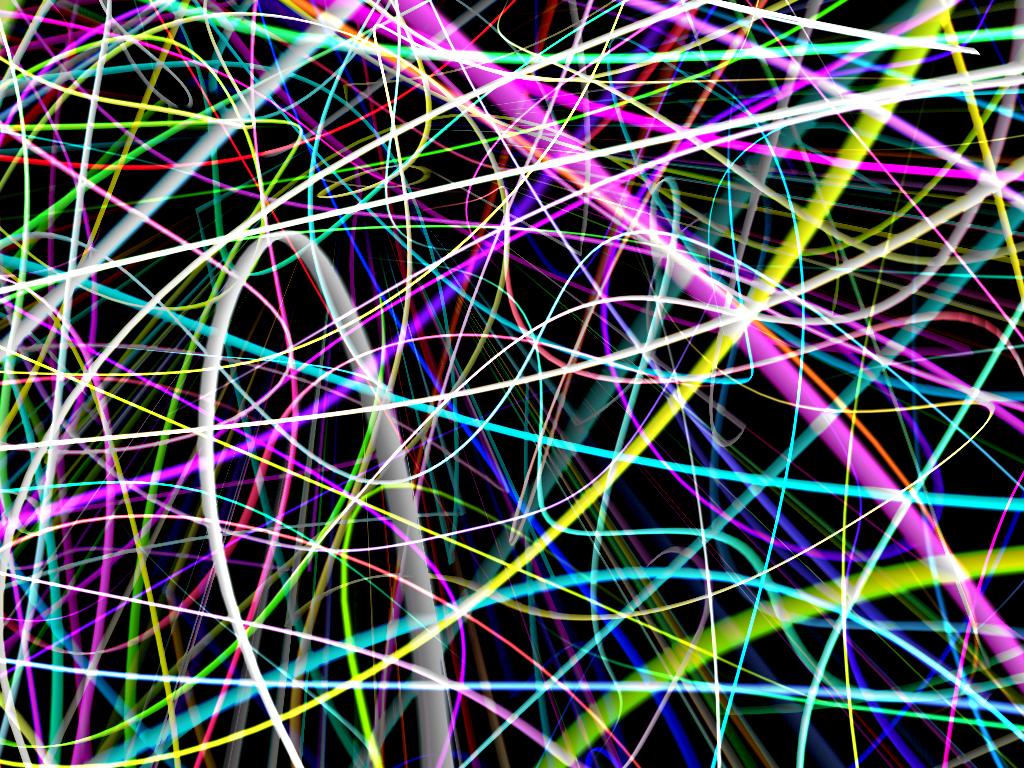 This version of Ribbons has a greater number of ribbons, which are thinner. This version of Ribbons has a greater number of ribbons, which are thinner.Download the registry file for this style. |
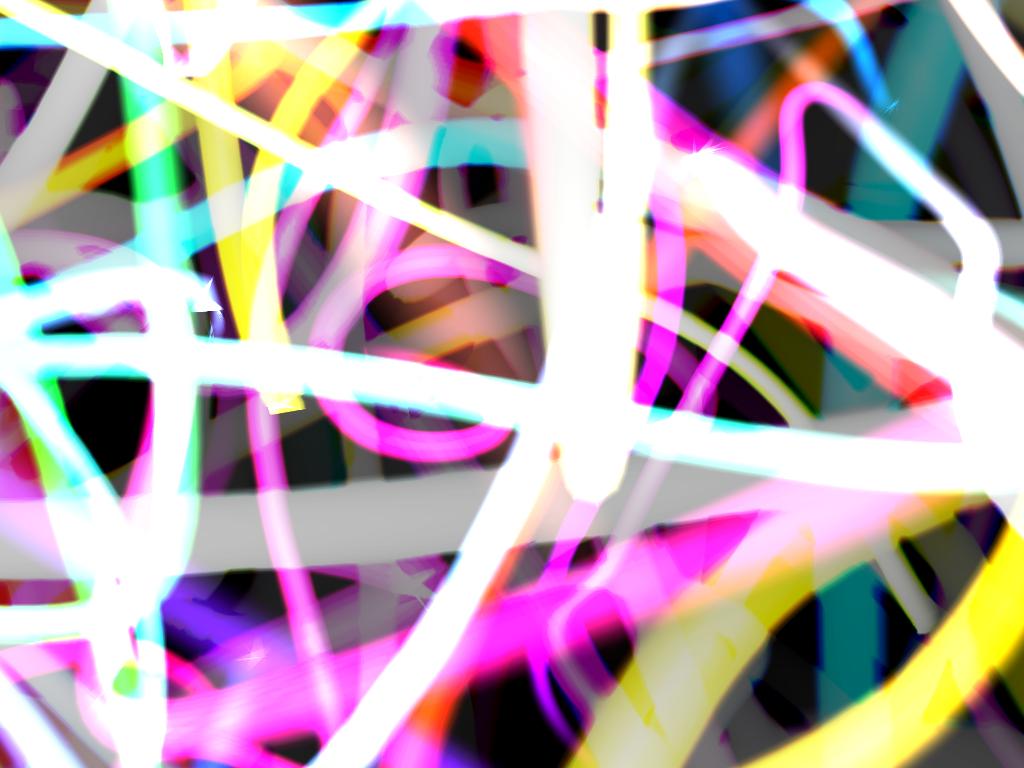 This version of Ribbons has thicker and greater number of ribbons. This version of Ribbons has thicker and greater number of ribbons.Download the registry file for this style. |
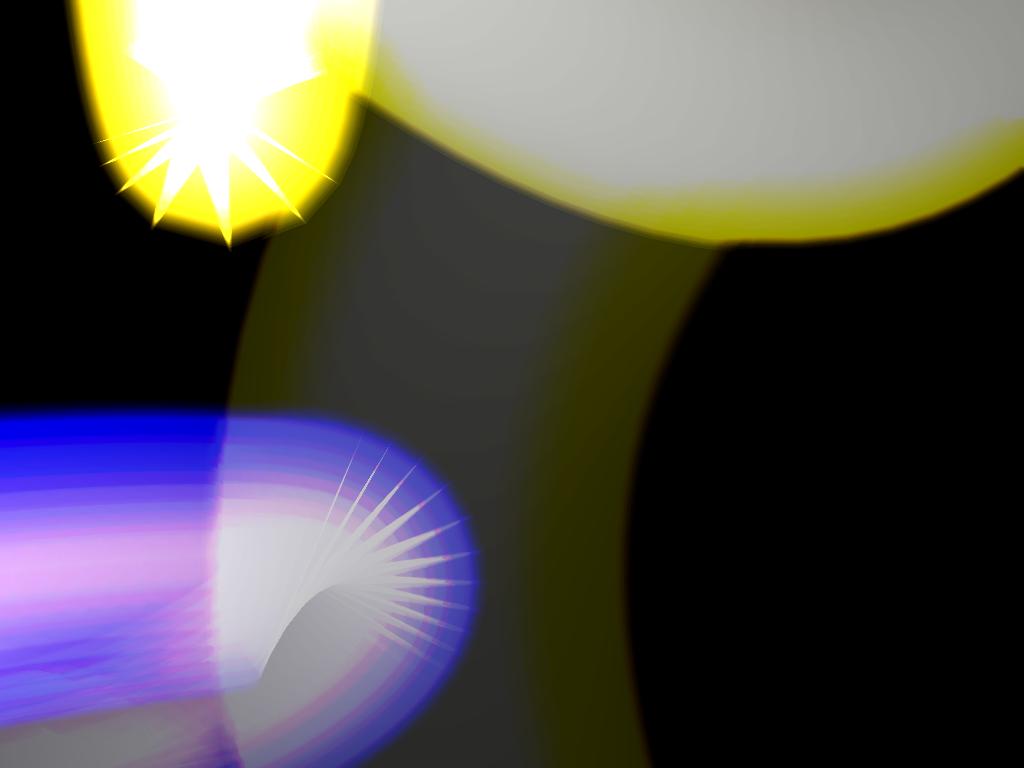 This version of Ribbons has extremely thick but only few number of ribbons. This version of Ribbons has extremely thick but only few number of ribbons.Download the registry file for this style. |
The Ribbons screensaver has two options.
- NumRibbons defines the maximum number of ribbons that can appear on the screen at any one time. This is a described as a simple integer count. The maximum number of ribbons is 256. An integer higher than this will have no effect. The minimum number of ribbons is 1.
- RibbonWidth defines the maximum width of the ribbons. This is a described as a floating point integer value.
Mystify screensaver
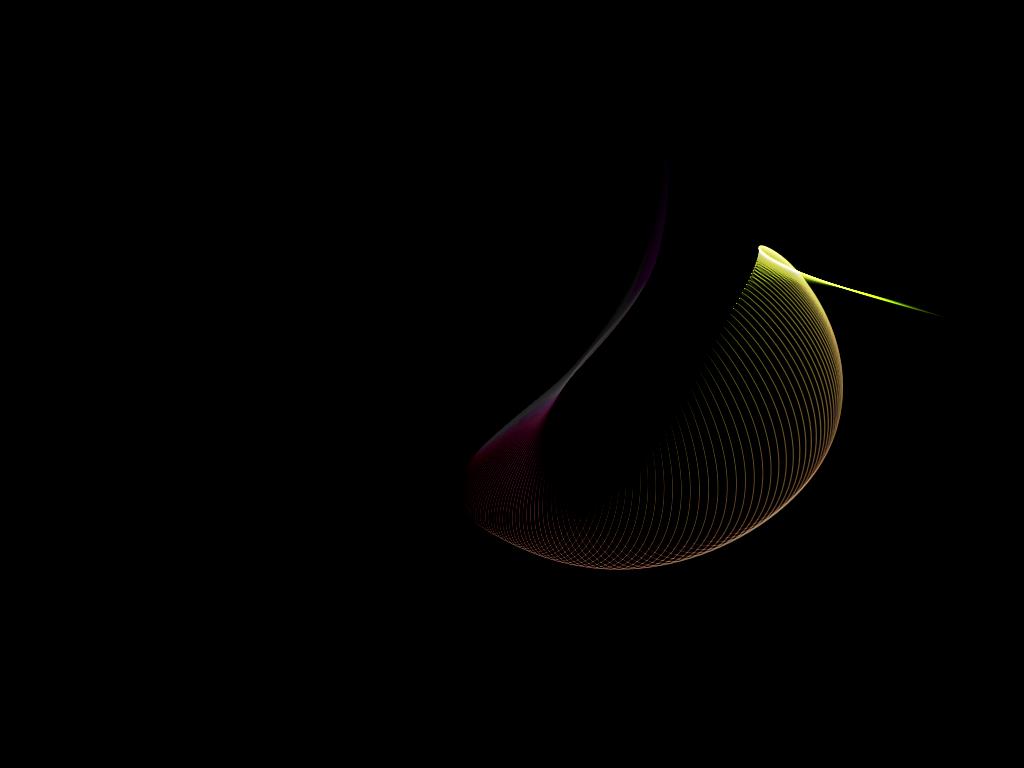 This is the default look of the Mystify screensaver. This is the default look of the Mystify screensaver.
|
 This version of Mystify has a greater number of lines. This version of Mystify has a greater number of lines.Download the registry file for this style. |
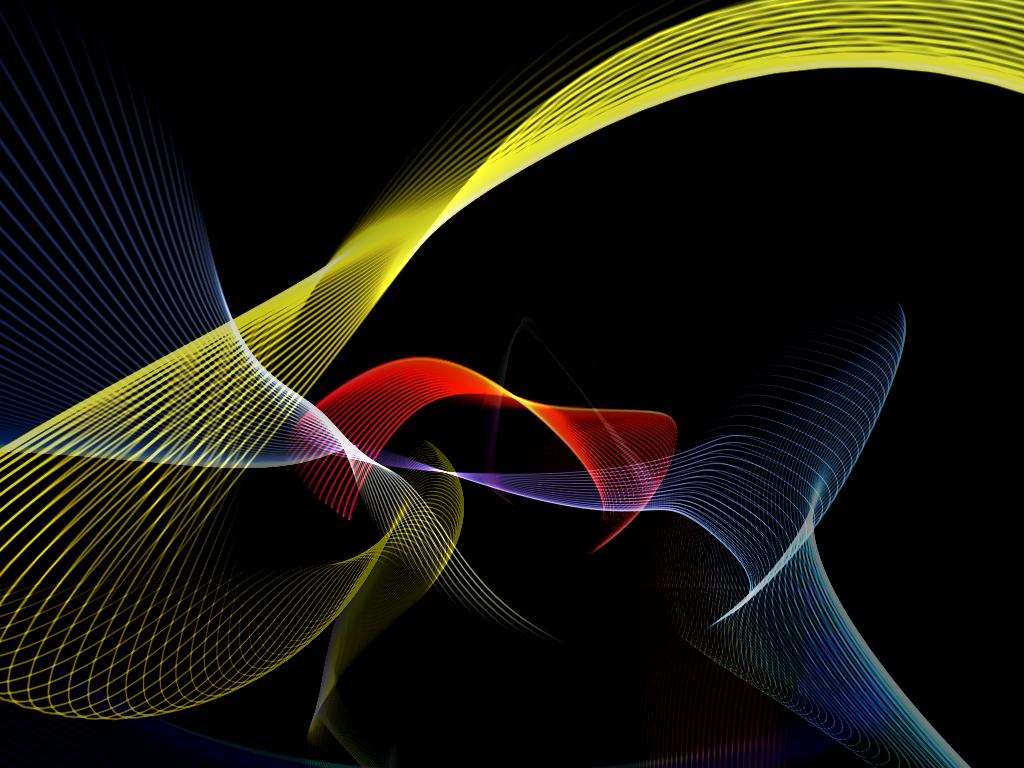 This version of Mystify has a few lines. This version of Mystify has a few lines.Download the registry file for this style. |
The Mystify screensaver has one option.
- NumLines defines the maximum number of lines that can appear on the screen at any one time. This is a described as a simple integer count. The minimum number of lines is 1.
Bubbles screensaver
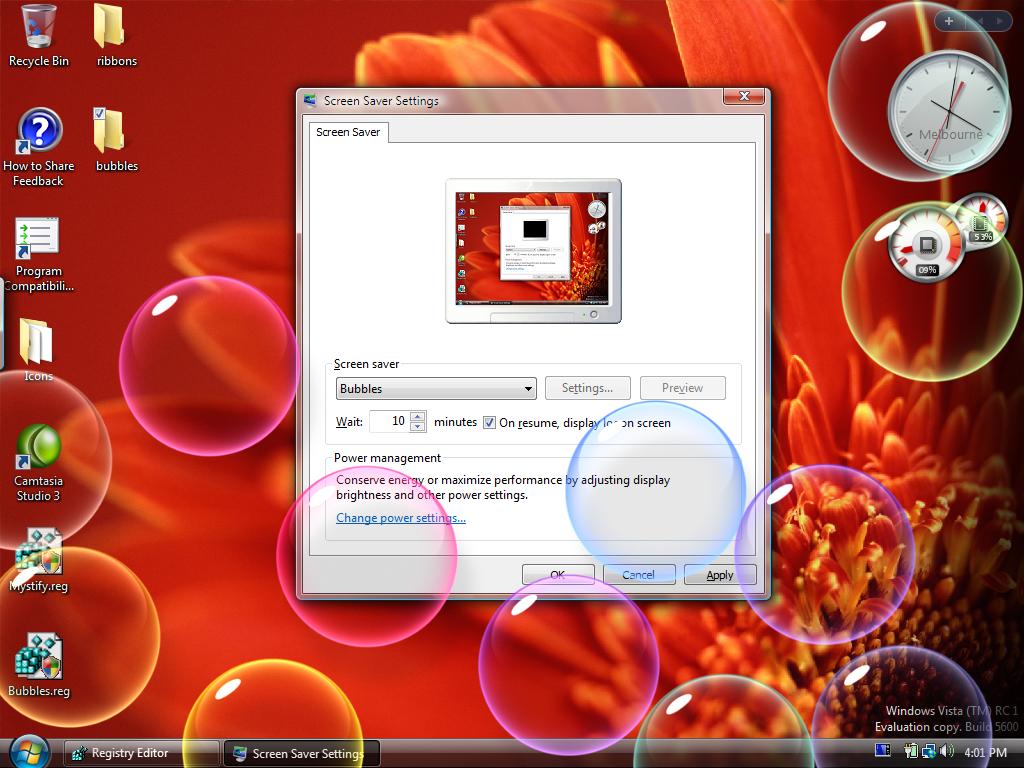 This is the default look of the Bubbles screensaver. This is the default look of the Bubbles screensaver.
|
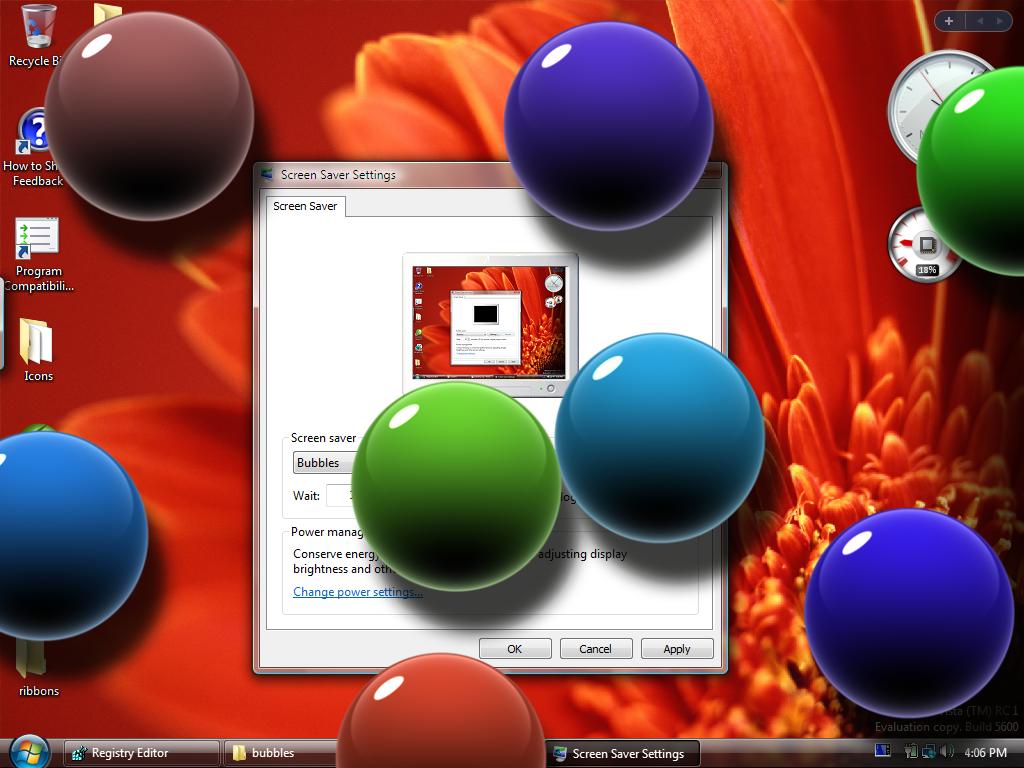 This version of Bubbles has a fewer number of large non-transparent bubbles. The background is the desktop. This version of Bubbles has a fewer number of large non-transparent bubbles. The background is the desktop.Download the registry file for this style. |
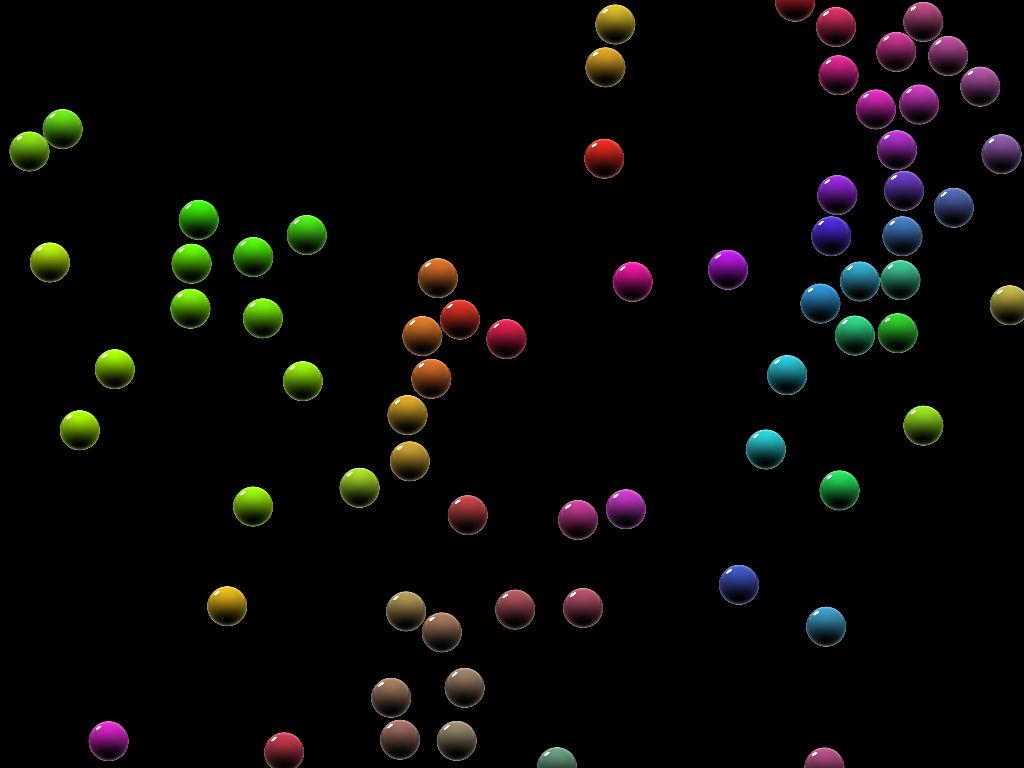 This version of Bubbles has a greater number of smaller non-transparent bubbles. The background is black. Please note: This version of Bubbles has been known to cause problems after extended period of times. Please do not use this in a work environment as it may cause instabilities. This version of Bubbles has a greater number of smaller non-transparent bubbles. The background is black. Please note: This version of Bubbles has been known to cause problems after extended period of times. Please do not use this in a work environment as it may cause instabilities.Download the registry file for this style. |
|
The Bubbles screensaver has four options.
- MaterialGlass defines if the bubbles are of a glass material or not. This is a described as a boolean value. A value of 1 will turn the bubbles into glass-like transparent bubbles. A value of 0 will turn the bubbles into metallic non-transparent bubbles.
- Radius defines the radius size of the bubbles. This is described as a floating point integer. The larger the radius, the less number of bubbles will appear on the screen, and vice versa.
- ShowShadows defines if the bubbles have a shadow or not. This is described as a boolean value. A value of 1 will enable shadows below the bubbles. A value of 0 will disable shadows under the bubbles.
- ShowBubbles defines if the bubbles are displayed on the desktop or not. This is described as a boolean value. A value of 1 will render the bubbles on the desktop. A value of 0 will render the bubbles against a solid black background.
Restore to default
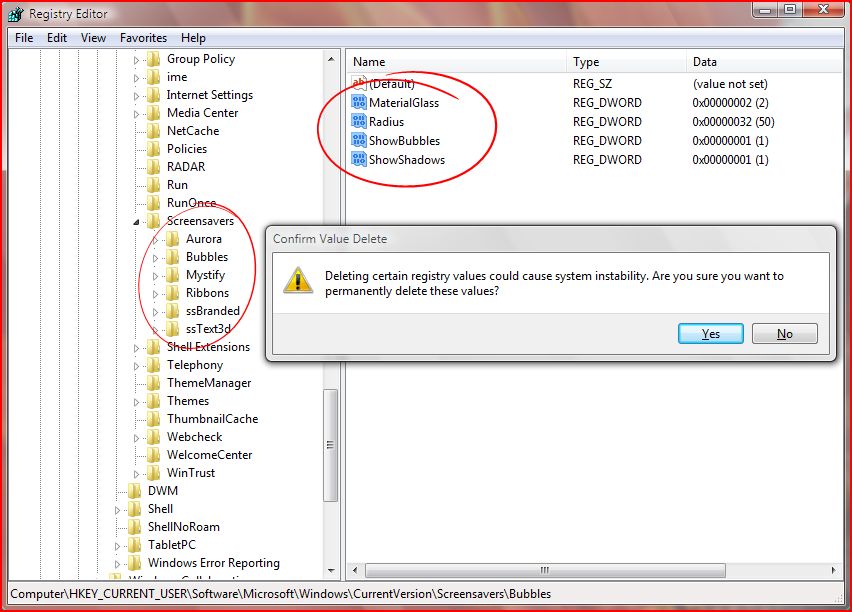 To return the screensavers to their original state, you would simply delete the registry values under the key related to the screensaver.
For example, if you were to restore the Bubbles screensaver to the default options, you would navigate to ...\CurrentVersion\Screensavers\Bubbles\ and delete all the associated values (Material Glass, Radius, ShowBubbles, ShowShadows).
My first thought is that ribbons have infected Windows too, not just Office.
Thanks for the files. Very cool.
after i add them to the registry, how do i apply them? i go to my display properties and i dont see it in the list…
@kody: Are you running XP? These are for Windows Vista.
I just got vista business today (part of msdnaa) and I was testing out the screen savers… I saw the bubbles screensaver, watched it, and just before I was going to move the mouse, I thought to myself, wouldnt it becool if they were all to pop and then go back to the original screen. So I moved my mouse hoping they would pop, but no 🙁 they just disapear. But hey, that would of been cool!
Do you know how to get the Screensavers to work at all in Vista?
This is what I have tries so far:
http://www.experts-exchange.com/Operating_Systems/WinXP/Q_22146646.html
Hi, I can`t even get my screensavers to work regardless. They just don`t, I have tried everything but alas , no screensaver. I have Vista home basic. Any suggestions? Also the email. It sucks, I wnt to use my Yahoo email but even though I disable mail. it still goes to windows mail when I click send email. I hate that. I have made Yahoo mail my default but Windows ignore it.
And…….any news on updates for vista re d-link another suck feature, I have to keep exiting no can find link in library messages, Yet I have internet
@barbara: RE: Screensavers. Do they load at all? If you go to the control panel and find the screensavers, do they give you a preview? If not, then there is something wrong with your graphics drivers or graphics card that is preventing these screensavers from being drawn.
Any version of Windows Vista should be able to load screensavers.
RE: Email. I’m not sure how Yahoo Mail handles the default action for clicking on email links, but I know by default it uses Windows Mail, but can be disabled.
Yes they load and you can preview but they don`t come on when the com is quiet at all.. I have tried to disable Micro mail and add Yahoo as my default but when I click on send email Micromail loads regardless. As for the D-Link internet key, well internet does come on but the com throws up messages saying not located in dynamic library etc.
Well I finally got my screensavers. I downloaded driver detective, did the scan and it told me to update Nvidia, I did so and screensaver works!!!!!Thanks
The first 3 keys worked well.
But the 4th key ShowBubble didn’t work in my laptop (Win XP Egyptian).
If I set 0, the background is solid black.
If I set 1, it turn to solid white. I cannot see the wallpaper.
Any tips ? Tks a lot.
hey,
I want the bubbles screeny on my XP system, is there a way to download them or wont they work on XP?
tkx
Hey there is an update that fixes the issue with microsoft usb keyboards and mice that cause the screensavers not to start. It’s on windows update something like HID input filter
i loved the bubble hack, love the bight colors that the bubbles are now
Dude
When I add ShowBubbles DWORD (1) in the reg for this blasted screensaver I still get the Black background. I am using build 5308.17? What do I have to do to sort this out?
Wizzy
I cannot get the screensaver to work at all on my Windows Vista computer, it previews fine, but nothing nada….. any and all suggestions would be greatly appreciated….
hey barbara these bubble screen savers unfortunately dont work on vista basic
Is there any way to get the default Vista screensaver (Windows Logo) to work on XP?
I’ve been looking on my computer, but can’t find the registry. Can anyone help?
ROFLMAO! Never mind, I found it. I’ve never played around witht he registry before. So all I had to do was lauch the app, cool….
Sorry for the posting twice.
Is it just me or are the mystify screen savers kinda slow? Or is it simply because I tried the modified one with dual monitors?
hope someone can help me with this:
1. no matter how i change the wallpaper on my Vista, only the background color can be change , the pix somehow “stays behind” .I can see it for a bried 2 or 3 seconds when shutting down.
2. i created another user, and the problem disappear which means some setting is wrong with my original user/administrator But I find where to activate/deactivate the Active Desktop in Vista that was suggested in some other forum
3.this is a different problem: i am using SonyEricsson EDGE PC Card GC85 and a GSM GPRS for net access when i am on the road. Problem is my card able to locate service provider signal but the access not possible as the card seems forever stuck at ” Updating Setting”
Thanks
ben
p.s. i wish i had stayed with XP and not bought a new Vista laptop
Pingback from http://securitygarden.blogspot.com/2007/04/vista-screensavers-wallpapers-gadgets.html
Legendary…..
Not only did it all work…now i have something to do…lol
My screen when i turn on the computer is all white now. it used to be blue. I can’t get the color change to work ont he background when I try to change it? what do I do?