 Windows Media Center is looking to be the best digital entertainment experience you can find on a PC. And in Windows Vista, Media Center is no longer sold as another edition of Windows which was not available for retail, but is going to be bundled in two editions of Windows Vista, Home Premium and Ultimate.
Whether you are sitting 2-foot or 10-foots away from the monitor, Media Center is going to deliver your TV, movies, music, and pictures in an engaging and easy-to-use experience. In this screencast, I run through a quick demo of Windows Media Center giving a look at the library navigation, a bundled free third-party visualizer called “G-Force”, picture slideshow, recorded TV and search.
Note: Windows Media Center is fully capable of supporting widescreen displays. However for the purpose of this demonstration, it is formatted in the 4×3 aspect ratio.
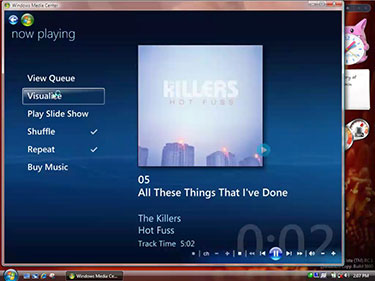
Click image to play video (H.264, 4:43min)
I believe the video is broken. It crashes my quicktime player at around 1:59. I tried downloading the file again in case there was some sort of corruption but I experienced the same problem.
Thanks Brad. Its confirmed. Now fixing.Fixed. Thanks Brad.