If he knew how to use a computer that is. We all love Senator Ted Stevens, especially his views on net neutrality.
Just a heads up. You may see in the screencast that sometimes I would be clicking ‘invisible’ objects on the screen. This is caused by the screen recorder not picking up the drop-down menus in Office 2007. This is only an issue with XP’s rendering engine combined with Camtasia the screen recorder.
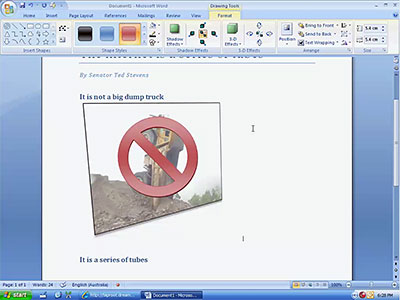
Click image to view video (Quicktime H.264 2:05min)
Warning: I am sending an enormous amounts of material, enormous amounts of material. I am not responsible for whatever happens to your own personal internet.
In addition: If you want a proper overview/screencast of Microsoft Office Word 2007, have a look at this video I did in June. Oldie but goodie.
Try to disable hardware acceleration and see if the dropdown menus appear in the capture.
@Fictia: Tried both with/without hardware acceleration.
My staff the other day tried to send me some internet…
I still get cracked up with every reference to this on The Daily Show.
GOd damnit! You blocked my tubes!!!11
http://tubes404.ytmnd.com/
Did you try the “Capture layered windows” option in Camtasia? It’s on the Capture tab of the recorder’s options dialog.
Ah that seems to have fixed it Leo. Thanks a lot!
damn, i guess that means leo will win the competition 🙁