This is a screencast of Office Word 2007. It takes you through a scenario of editing a document through to publishing it. Features explored include: live zoom, live style preview, cover page, quick formatting, context spelling, picture tools, SmartArt, keyboard navigation, watermarking, academic referencing, reviewing, and native PDF support. There’s also a bug with the full page reading feature with SmartArt objects, you can’t miss it.
Recorded on Toshiba M400 tablet PC with a reduced resolution of 1024×768 for optimal capturing performance. This does not reflect the actual performance of Office Word 2007 or Windows Vista.
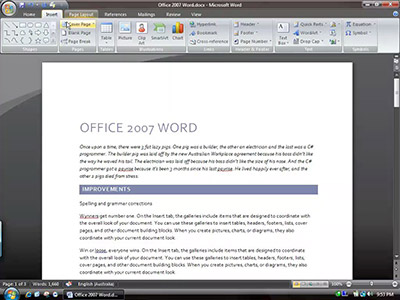
Click image to view video
In addition, I missed the demonstration of collapsible tabs and enhanced tooltips, so here are these two features in screenshot format.
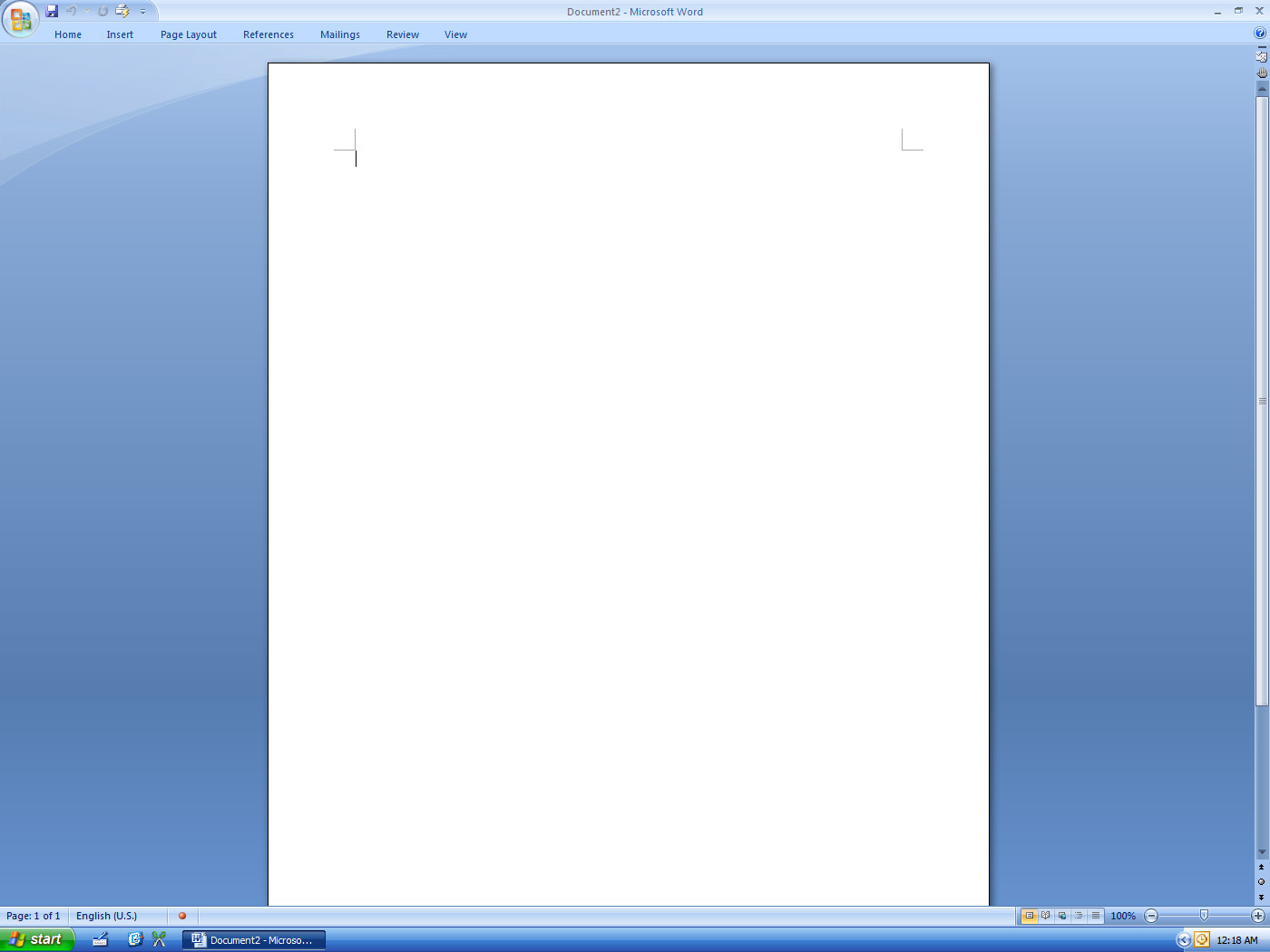
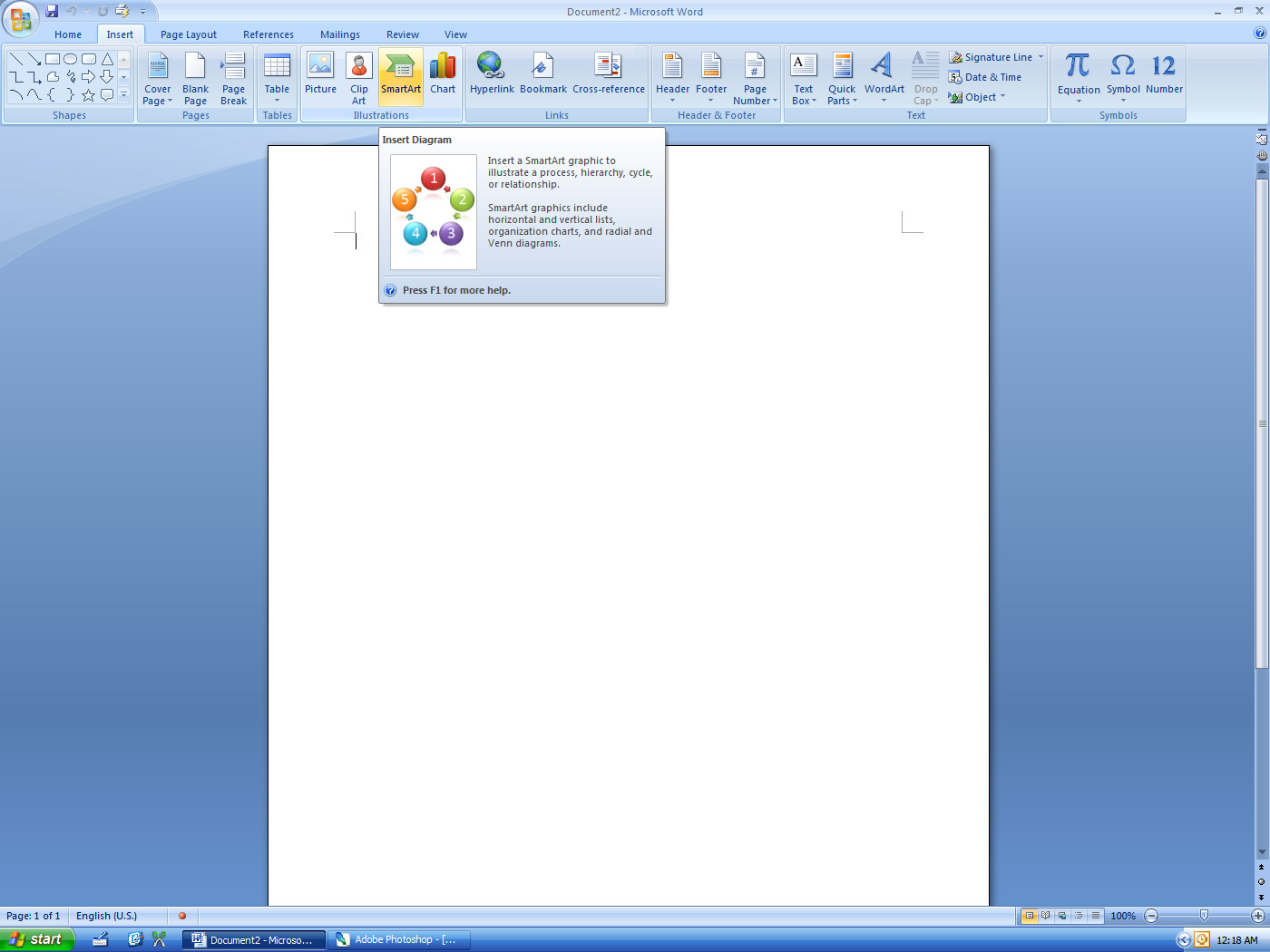
Enhanced tooltips are really useful because they allow you to discover more easily, functions you either previously did not know existed or were too afraid to try it.

Haha, “sounds pretty gay” – you actually made me laugh out loud, Long. 😉
Actually, I’m quite impressed with the new Word – some genuinely useful features to come, it looks like.
cant der b much innovation rather than improvisation???but luks good ..
@Luke Dawson…
lol
like Blame Adobe
and
the end of the world is a thurday.
OLD News, you guys need to catch up with the times. As well i think 2007(Or office 12) is very very good, and the deafult theame sucks and the black one(which your using) is very nice.
Funy to read this at 2012 ))